Saving or Printing Your Annual Report from Faculty Success
You can download your Annual Report in two formats—either as a Web Version for online viewing or as a Zipped Folder that contains each file separately.
What You'll Get
- Web Version: An online view with live links (including a clickable icon for the embedded Annual Activity Report).
- Zipped Folder: A .zip that includes the Annual Report, the embedded Annual Activity Report, and any attachments as individual files.
See below for step-by-step instructions on the downloading process. We've also attached a PDF if you'd like to keep a copy for future reference.
To Download Your Annual Report
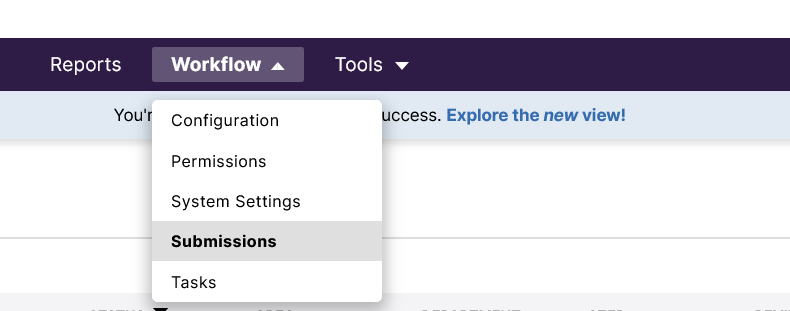
1. Go to the Workflow tab and select Submissions.
2. Find your submission and click your name to open it. Then, click the Download button on the right side of the screen.

3. Choose your download format:
- Web Version (best for quick viewing with live links)
- Zipped Folder (best if you need separate files, including the embedded report and attachments)
