TABLE OF CONTENTS
Activities Overview
Activities, like assignments, are tasks you complete and your instructor evaluates. They may include various ways for both students and instructors to share information. Your instructors can provide details such as instructions or reference files. And you can submit your work through text boxes, multiple-choice responses, or by uploading attachments.
The Submitting Your Activity video tutorial will walk you through the process of submitting your Student Learning & Licensure (SLL) Activity.
Access Your Activity
Click on the Student Learning & Licensure (SLL) Activity (Assignment) in your myLesley course.
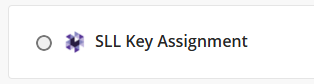
This link will bring you directly to your Student Learning & Licensure account to complete the Activity.
If you are not brought directly to your Activity, go to the In Progress tab, select your course, and select the title of your Activity.
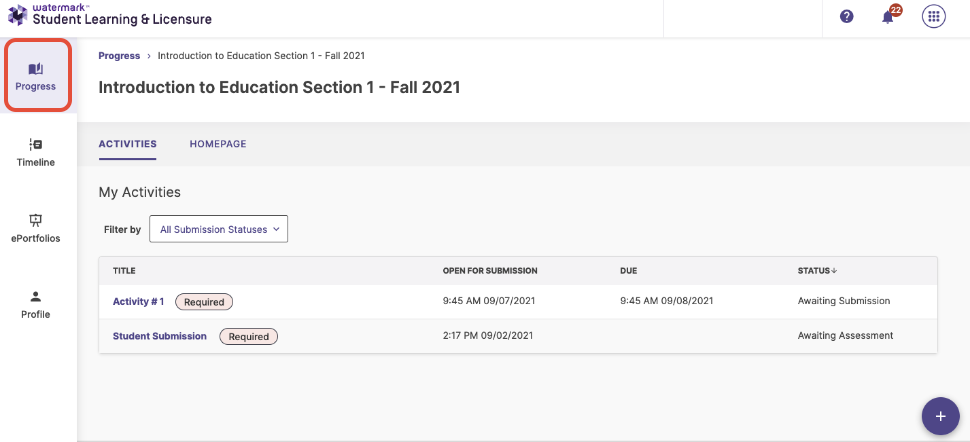
Submit Your Activity
Once you are within your Activity, read the instructions carefully. You will be prompted to populate any required fields and provide any necessary information.
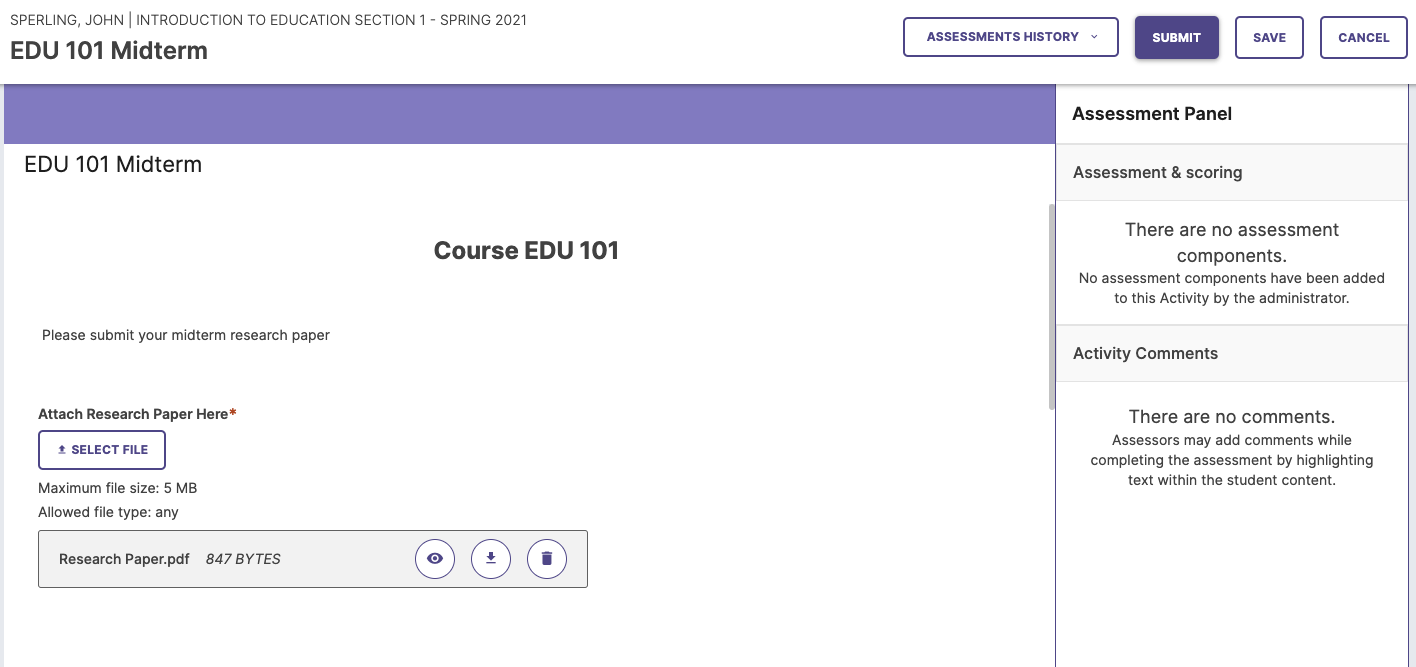
To attach a file, click the Select File button and select the file you wish to upload. If you have multiple files, you will need to attach each one individually. Once you have attached all of your files, click the Insert button.
Note: If you do not see the Select File button in your activity, please contact your instructor. They will need to make this button available to you before you can attach a file.
Once you have completed the Activity, click the Submit button.
Refer to the Submitting an Activity (Assignment) in Student Learning & Licensure support article for more information.
Verify Your Activity Has Been Submitted
Once you have submitted your Activity (Assignment), you will be able to verify that it has been submitted based on which buttons are available in the top corner of the page. If your Activity has been submitted, you will see three buttons: Assessment History, Withdraw, and Cancel.
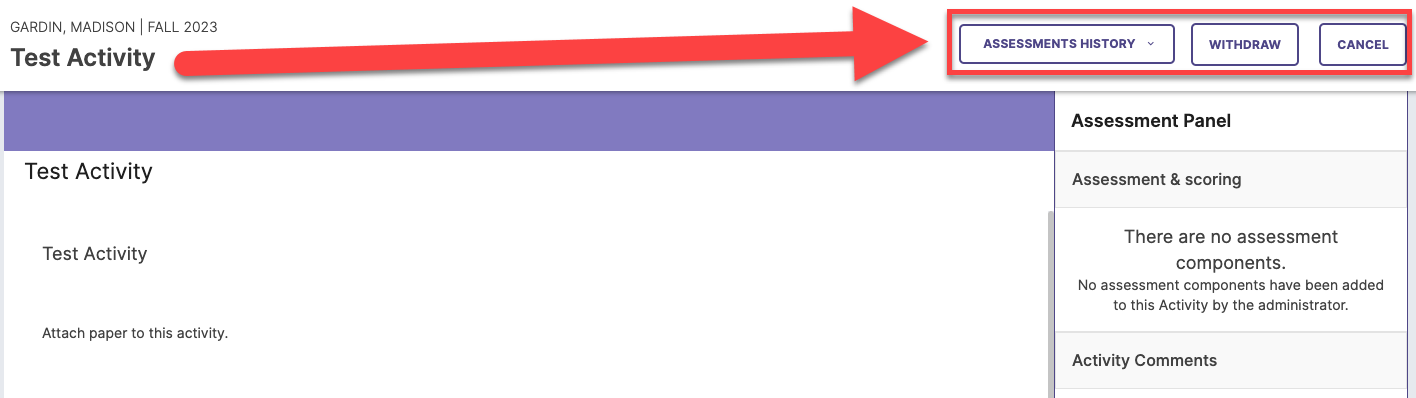
Refer to the Verifying an Activity (Assignment) has been Submitted support article for more information.
Was this article helpful?
That’s Great!
Thank you for your feedback
Sorry! We couldn't be helpful
Thank you for your feedback
Feedback sent
We appreciate your effort and will try to fix the article