Re-provision Windows 10/11
Steps for re-provisioning eduroam on your on Windows device.
1) Forget eduroam in "Manage known networks".
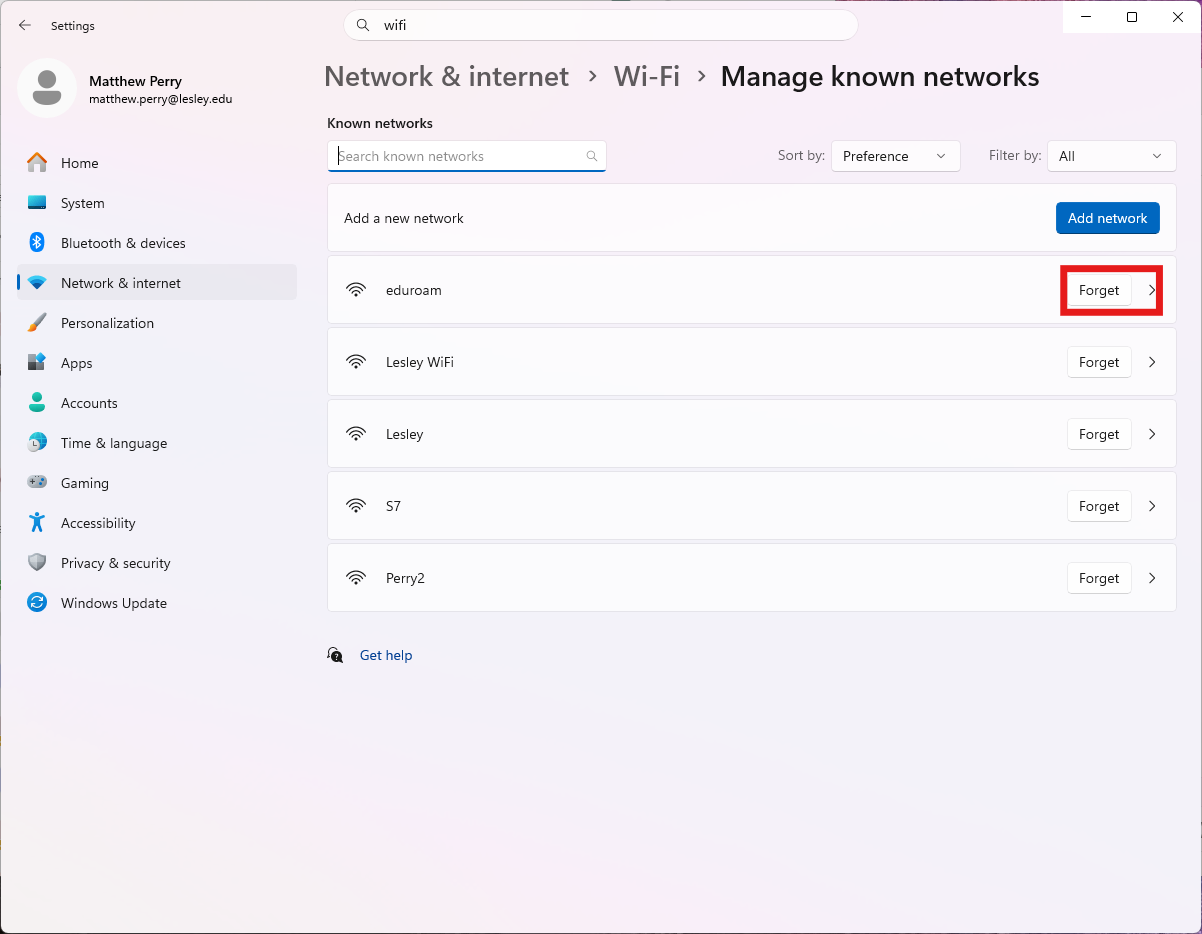
2) While connected to eduroam on campus follow the link in the renewal email or go to http://connect.lesley.edu/onboard/device_onboarding.php?reprovision=1.

3) Log into the "Register Your Device" page using your Lesley credentials including the @lesley.edu on your username.

4) Download the QuickConnect application as it will have your updated profile.

5) Run the new copy of QuickConnect to update your device and press Next.

6) Once it finishes Installing press connect.

7)You should now be connected to eduroam for another year.
