Logging in to Advise (Advisors & Staff)
If you are an advisor or an administrator, follow the instructions below to log in to Advise. If you are a faculty member and want to file a student Alert, please visit the folder Filing Student Alerts.
- Go to www.lesley.edu/advise
- Select Other organization on the Ellucian Cloud US PROD ADFS page - reference the image below.
- Enter your Lesley credential and click on Next
- Proceed with the standard Lesley SSO login process
- Enter or pick an account using your Lesley credential
- Enter your Lesley password


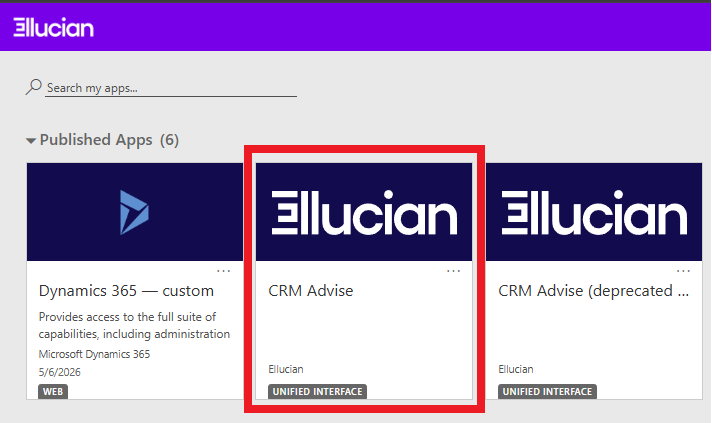
Once you have logged in, you will select the CRM Advise tile, as shown below: