Add/Change Photo
Accessing Photo
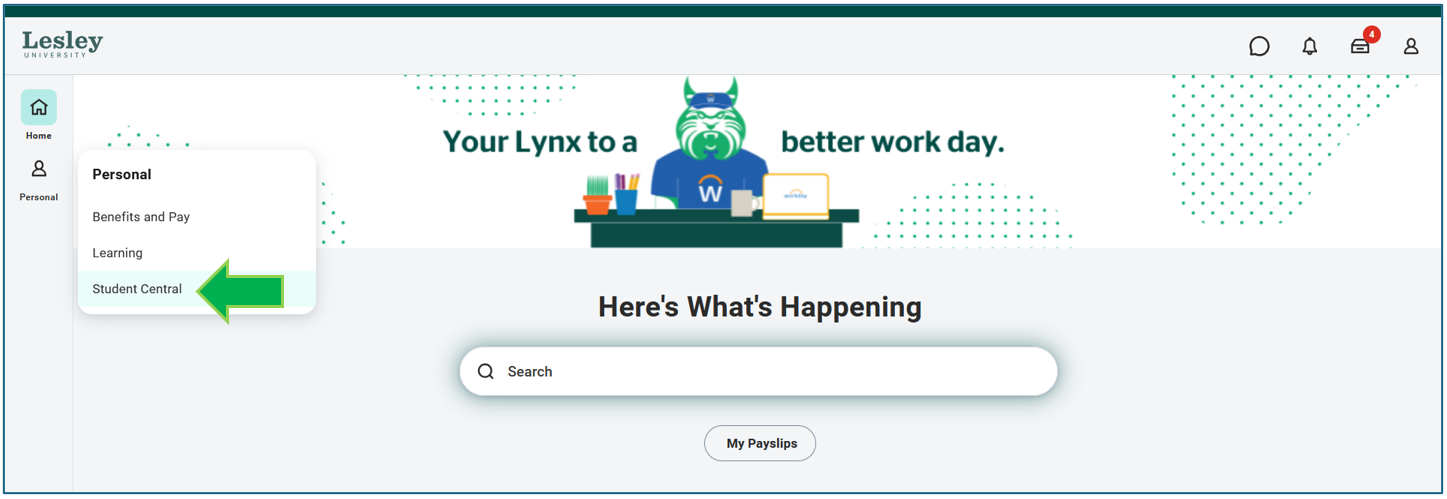
Click on the Student Central from the Personal category on the navigational panel on the left-hand side of your Workday homepage.
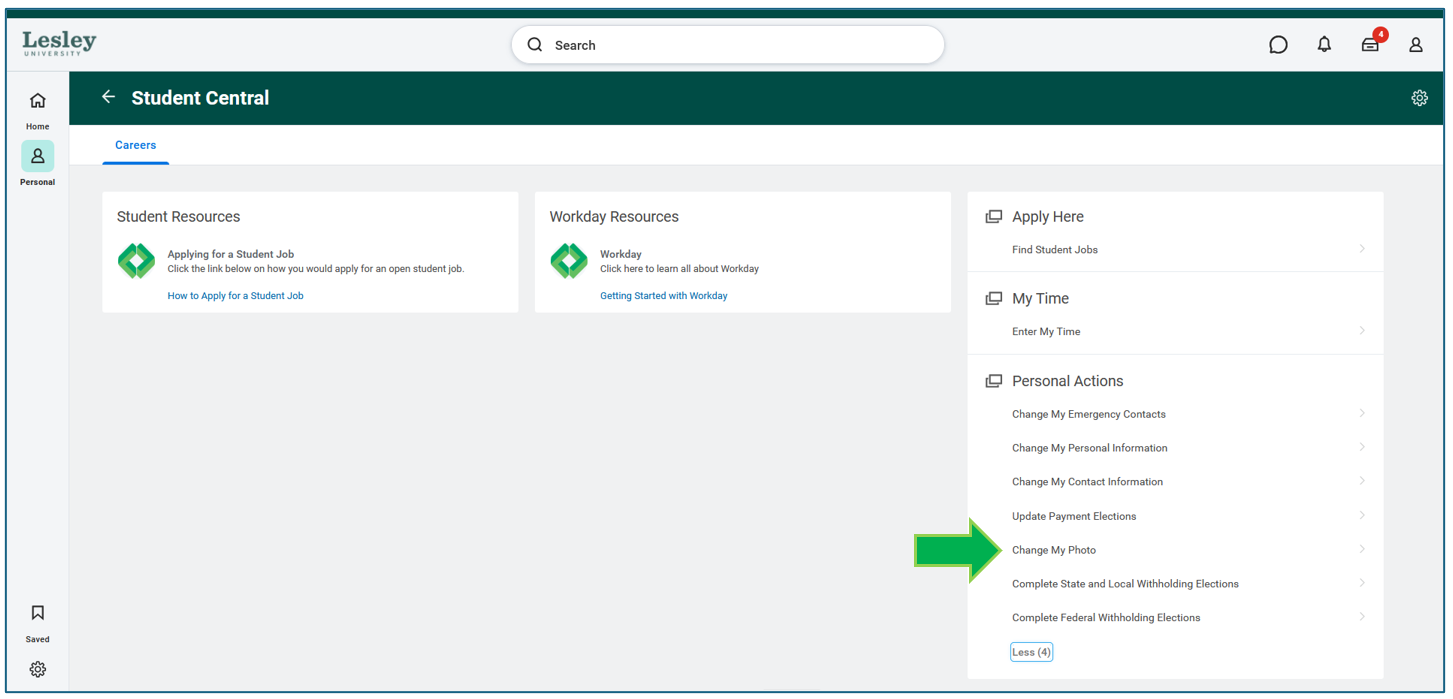
Under the Personal Actions information table, click Change My Photo.
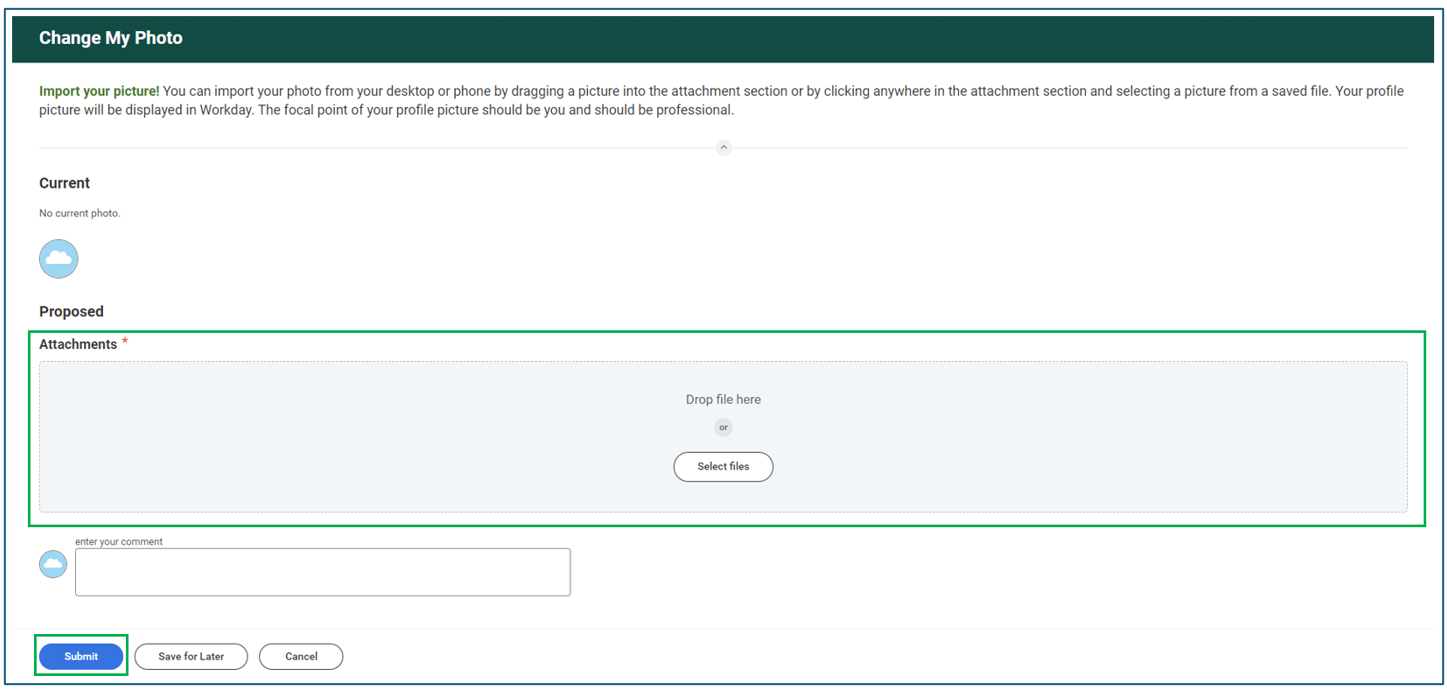
Drag your new profile picture from your data source and drop it into the attachments area or select the file from your device. Once your picture is uploaded, click Submit.
A circle will appear, move the circle to the desired position to center your picture. Click OK to save your changes.

