Microsoft Prompts to Add a Passkey to Your Account
Occasionally, when signing onto your Lesley account through Single Sign-On (SSO), which goes through Microsoft, the sign-on page will prompt you to set up a passkey without asking permission. This can cause problems, since a passkey is unique to one device (it is usually TouchID or FaceID based, or the like). If you set up a passkey accidentally this way, it could prevent you from signing in on other devices, and IT needs to get involved to remove this sign-on method.
How it happens
After typing in your username and password, your browser will create a popup window asking you to set up a passkey. It could look something like this:
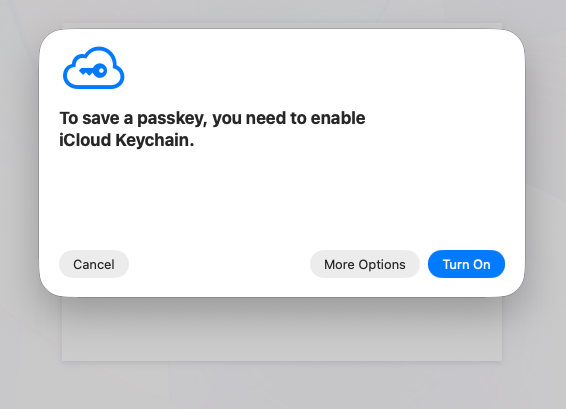
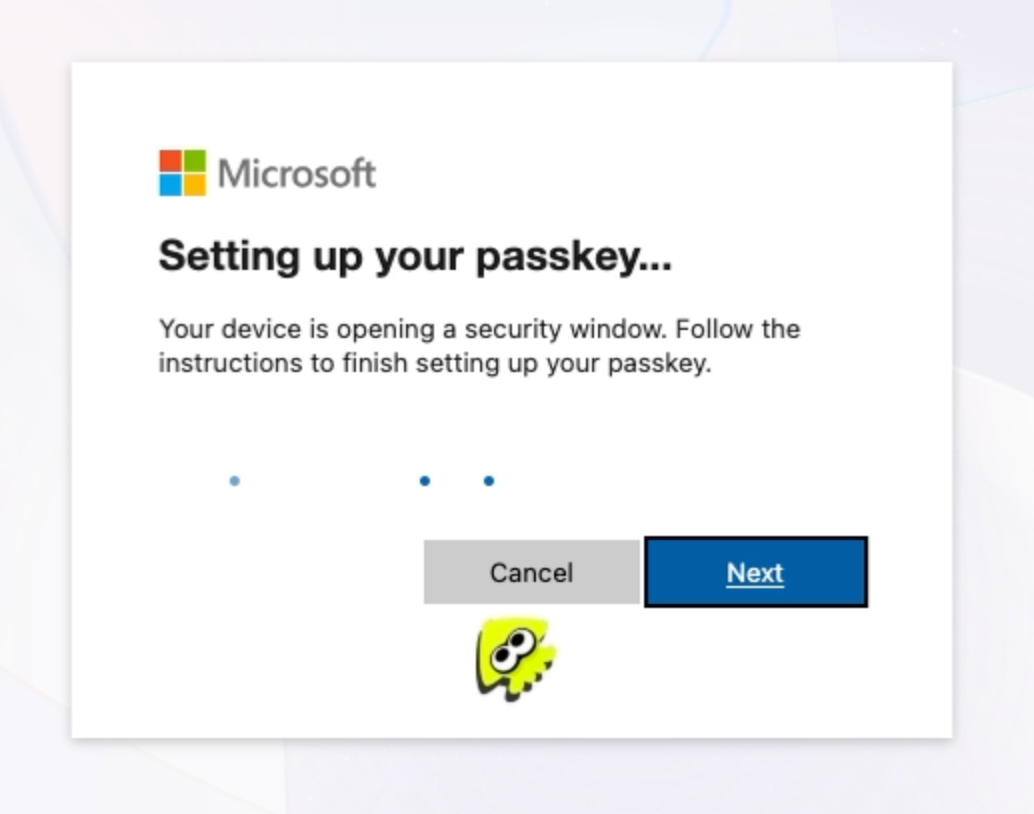
Or, it could just be asking for FaceID, TouchID, or a USB key.
Click CANCEL. Passkeys can be useful for security in some situations, but we already have multi-factor authentication set up for this reason.
How to identify it
If you have a passkey set up that doesn’t work, you will see an error like this:
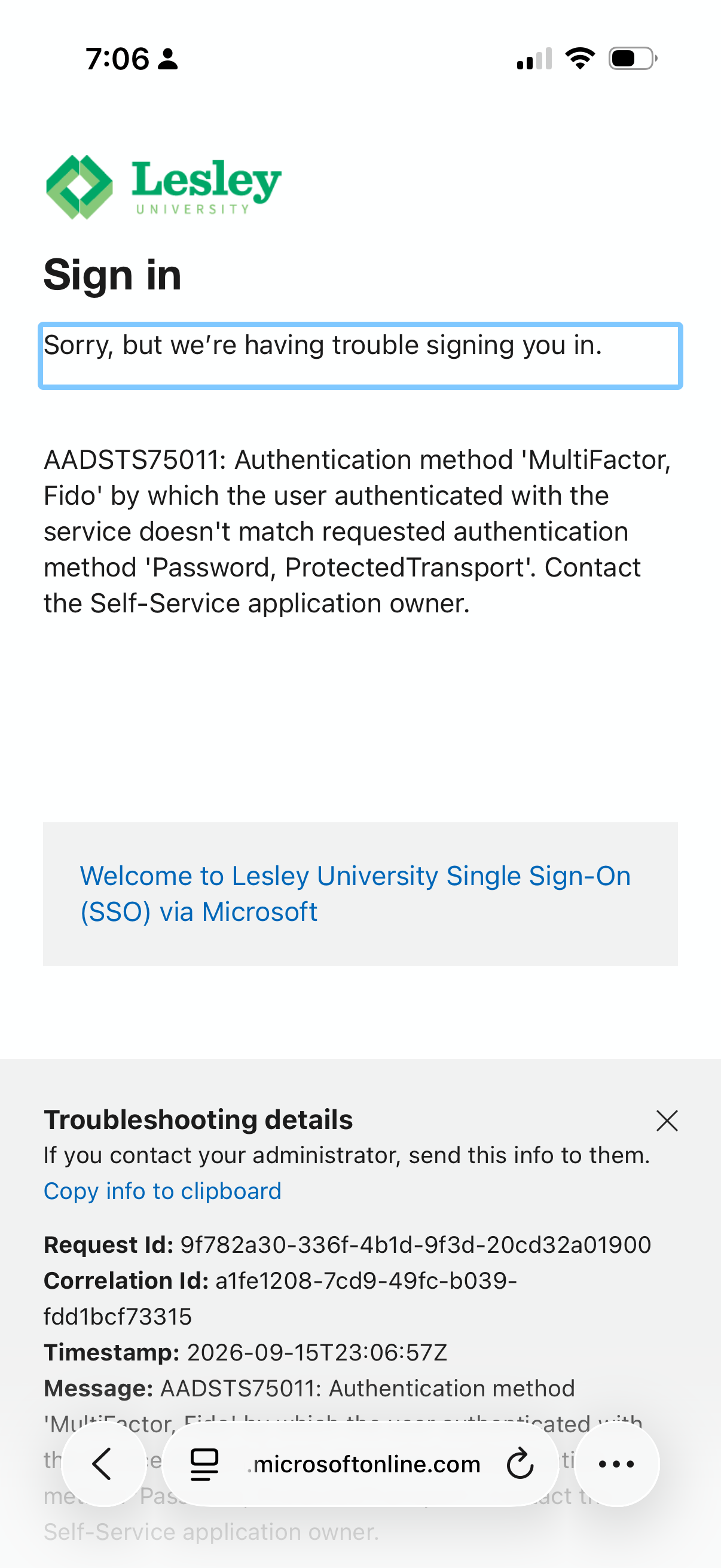
If you see an error that reads “MultiFactor, Fido”, you’ll need to reach out to an IT team member to have the bad passkey removed from your account from our end.