Claiming your Lesley account
When your Lesley accounts are generated, an email is sent to your personal email address on file with the university. The email comes from Lesley Username Claim <no-reply-claim@lesley.edu>, with the subject First name last name - Claim Your Lesley University Account. It includes a link to the claim site and a single-use authorization code.
Note: If you did not receive the email, check your Junk and Spam folders. If you still can’t find it, contact IT at it@lesley.edu or call 617.349.8770.
Claiming your account
- Click the link in the email you received to reach the claim site. You’ll also find your authorization code in the email. Click Next.
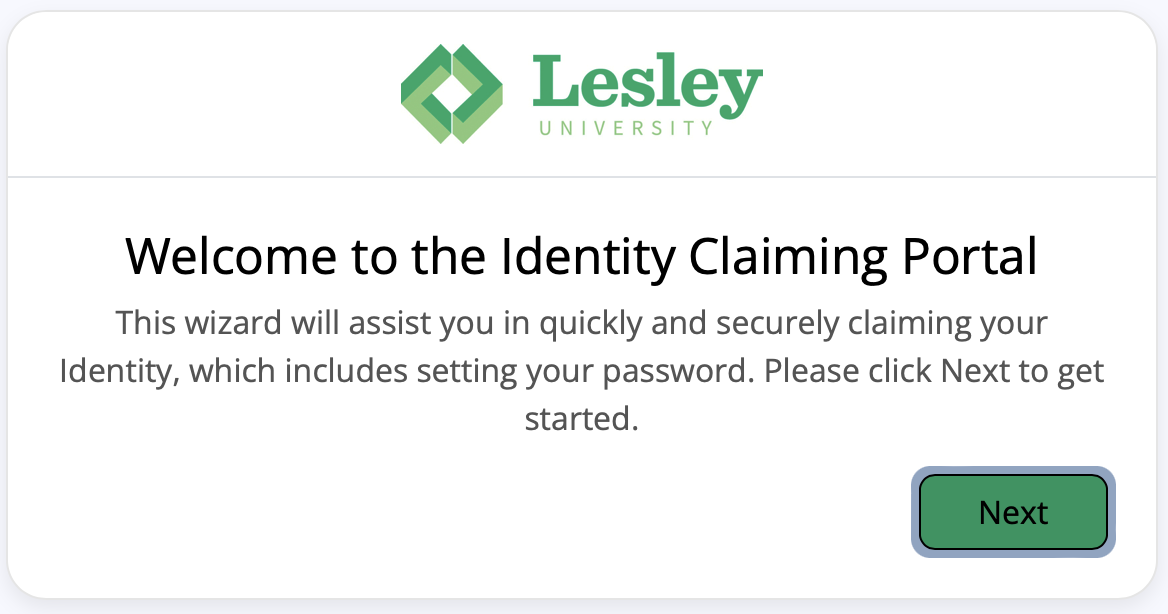
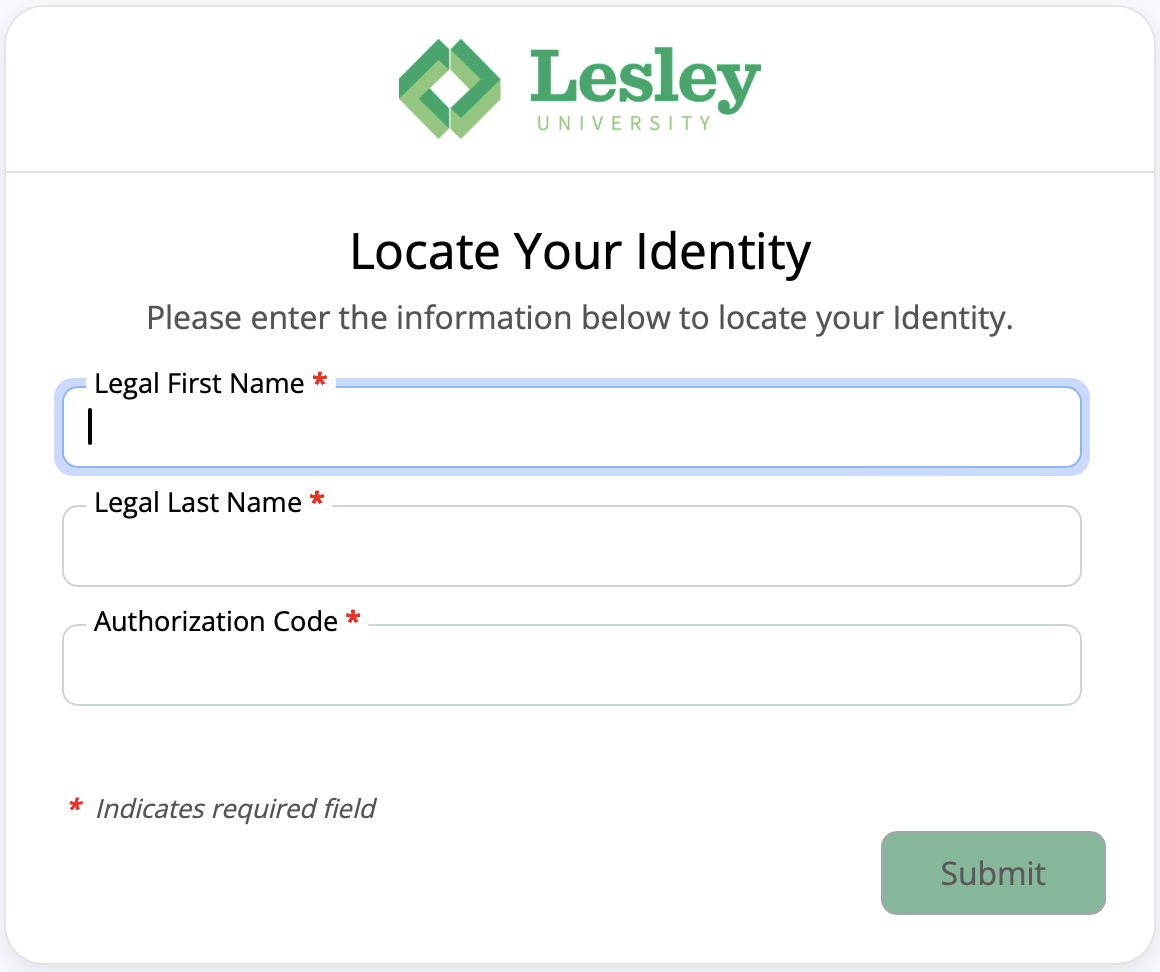
- Enter your legal first name, last name, and the authorization code from the email, then click Submit. You will NOT be asked for your Social Security number, bank account, or other sensitive information during the claim process. You MUST enter your name without accents or special characters (for example: é → e, ñ → n).
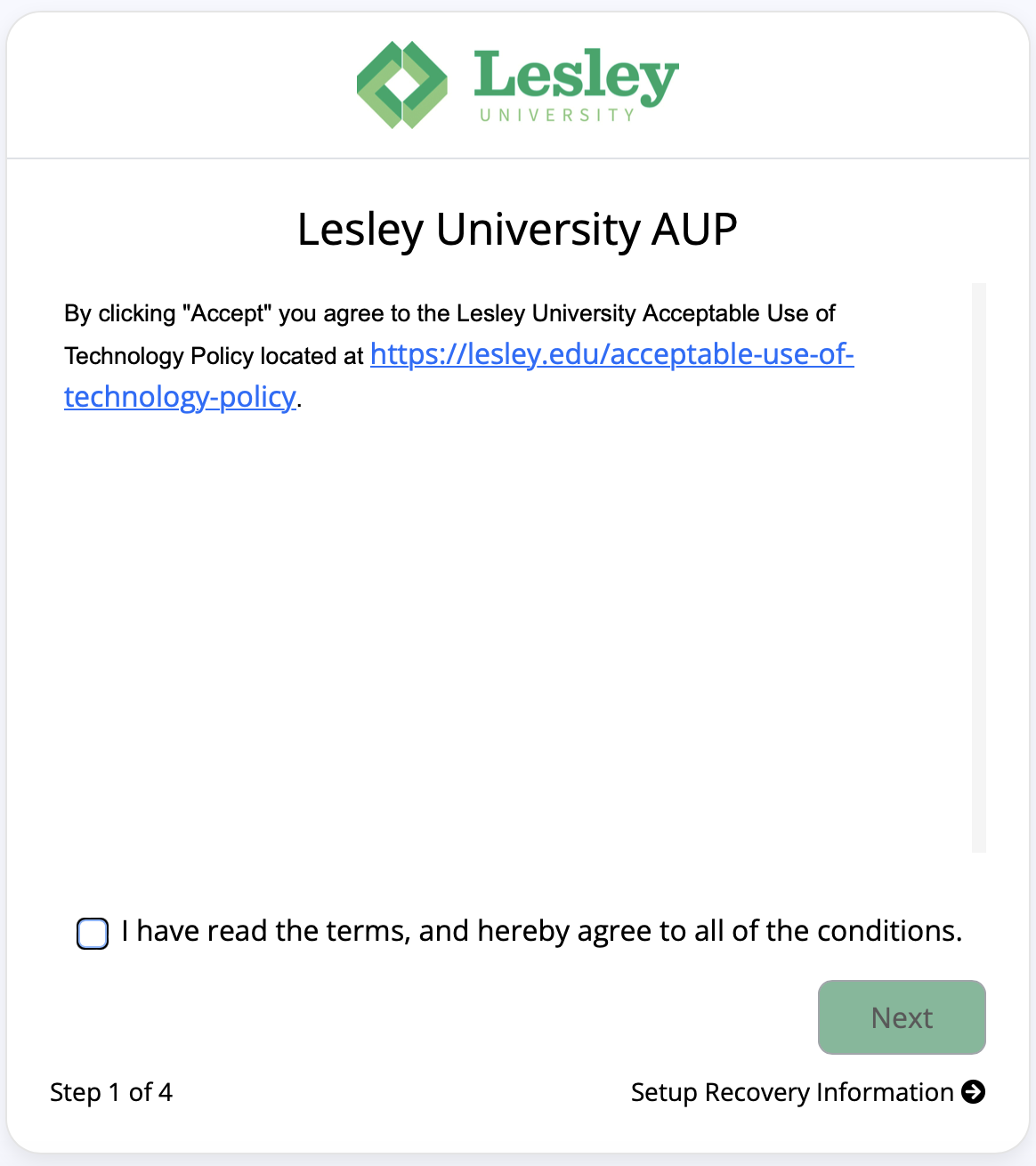
- Check the box confirming you have read the terms and agree to the conditions, then press Next.
- Enter your mobile number and/or personal email address for recovery information. Press Update.
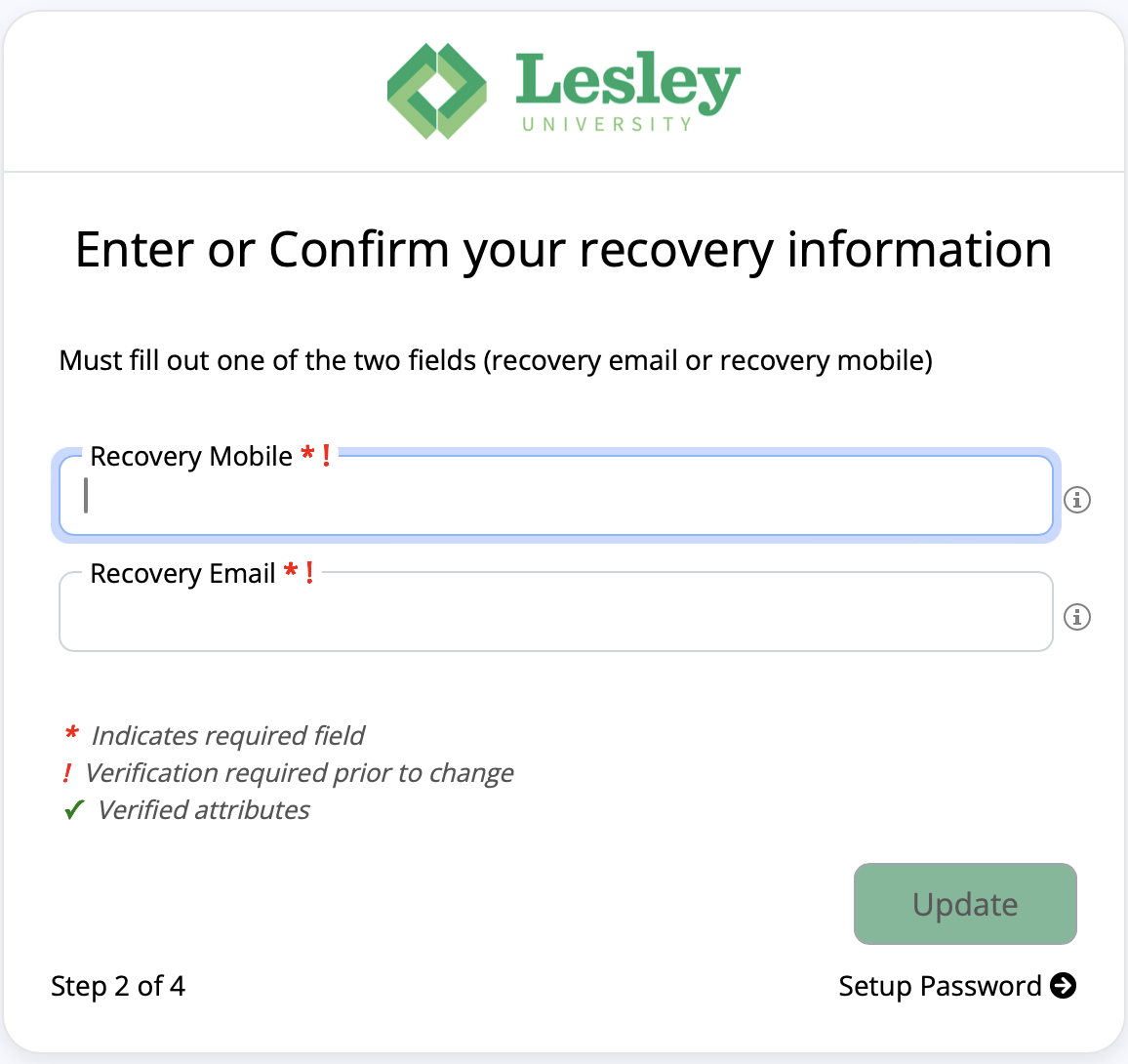
- A code will be sent to your mobile number and/or personal email address, and a box will pop up asking for the code(s). Enter the code(s) and click Validate.
- Enter your chosen password in the two fields and click Reset Password.
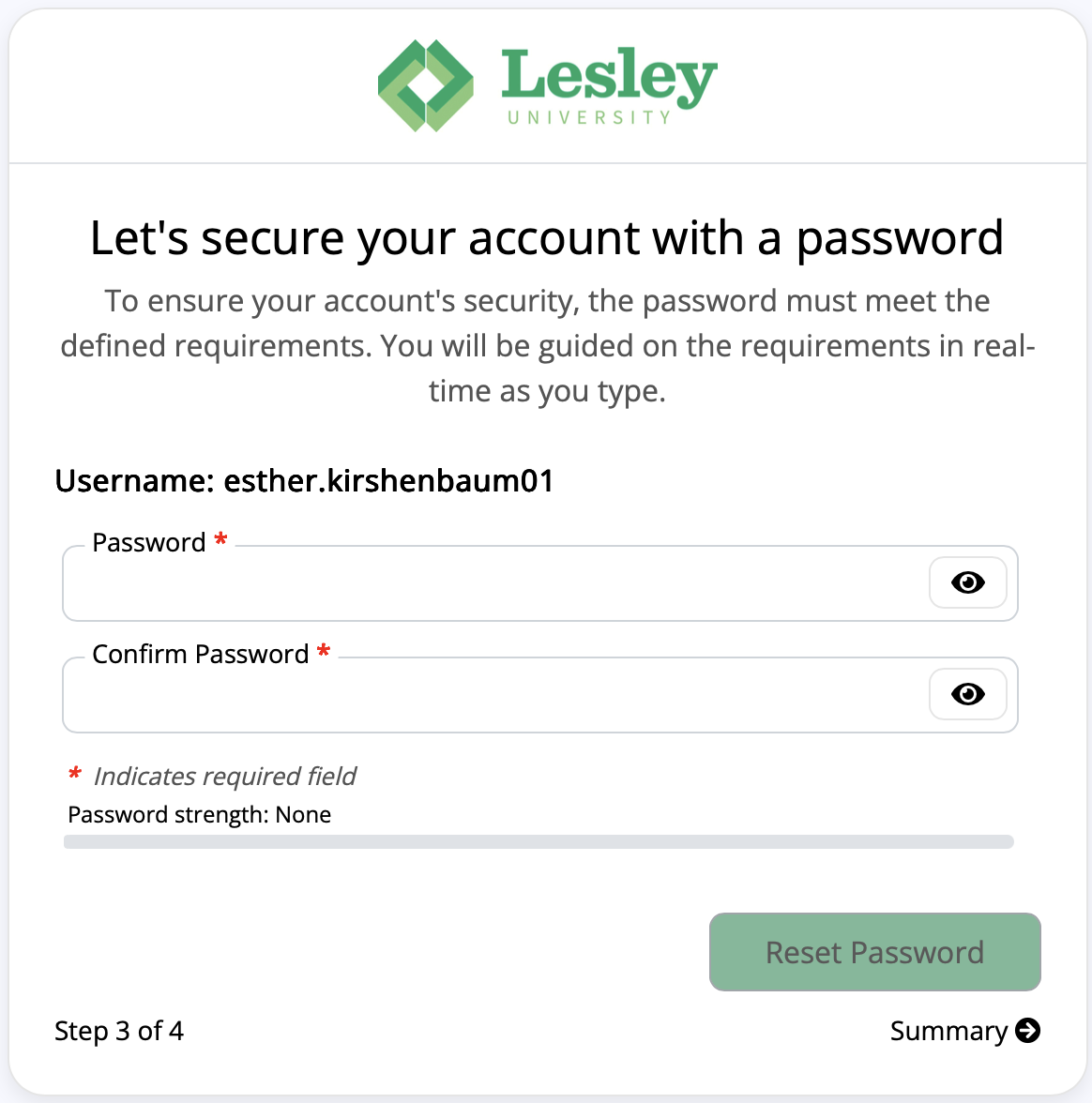
Once you have claimed your account and entered recovery information, you’ll be able to change or reset your password yourself in the future. See Changing / resetting your password for instructions.
Questions or need further assistance?
Contact the IT department:
Email: it@lesley.edu
Phone: 617.349.8770